



ROJECO Automatic Cat Feeder Pet Smart WiFi Cat Food Kibble Dispenser Remote Control Auto Feeder For Cat Dog Dry Food Accessories
Free returns on all eligible orders
You have 30 days to request a return. All sale items are final sale.
SPECIFICATIONS
Battery Included: No
Brand Name: ROJECO
Choice: yes
High-concerned chemical: None
Is Smart Device: Yes
LCD Display: Yes
Material: Plastic
Max Output: 1000g
Min Output: 50g
Origin: Mainland China
Plug Type: EU
Power Source: Charge,Charge
Time Setting: Yes
Type: cats
With Water Dispenser: No
Note:
If the feeder encounters an abnormal shortage of food, please update the system and restart the sensor.Or contact the brand's official customer service to get relevant guidance videos.
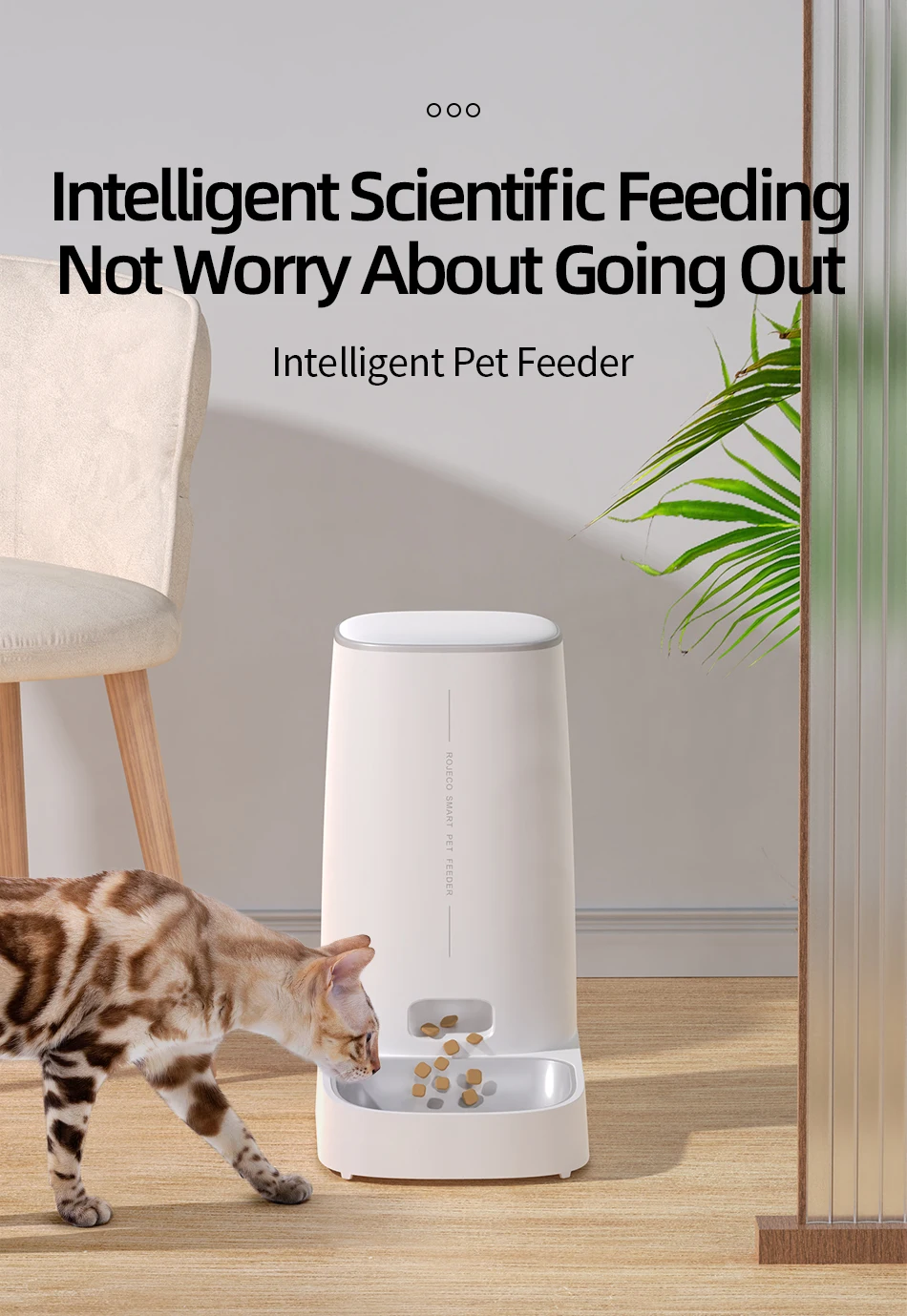
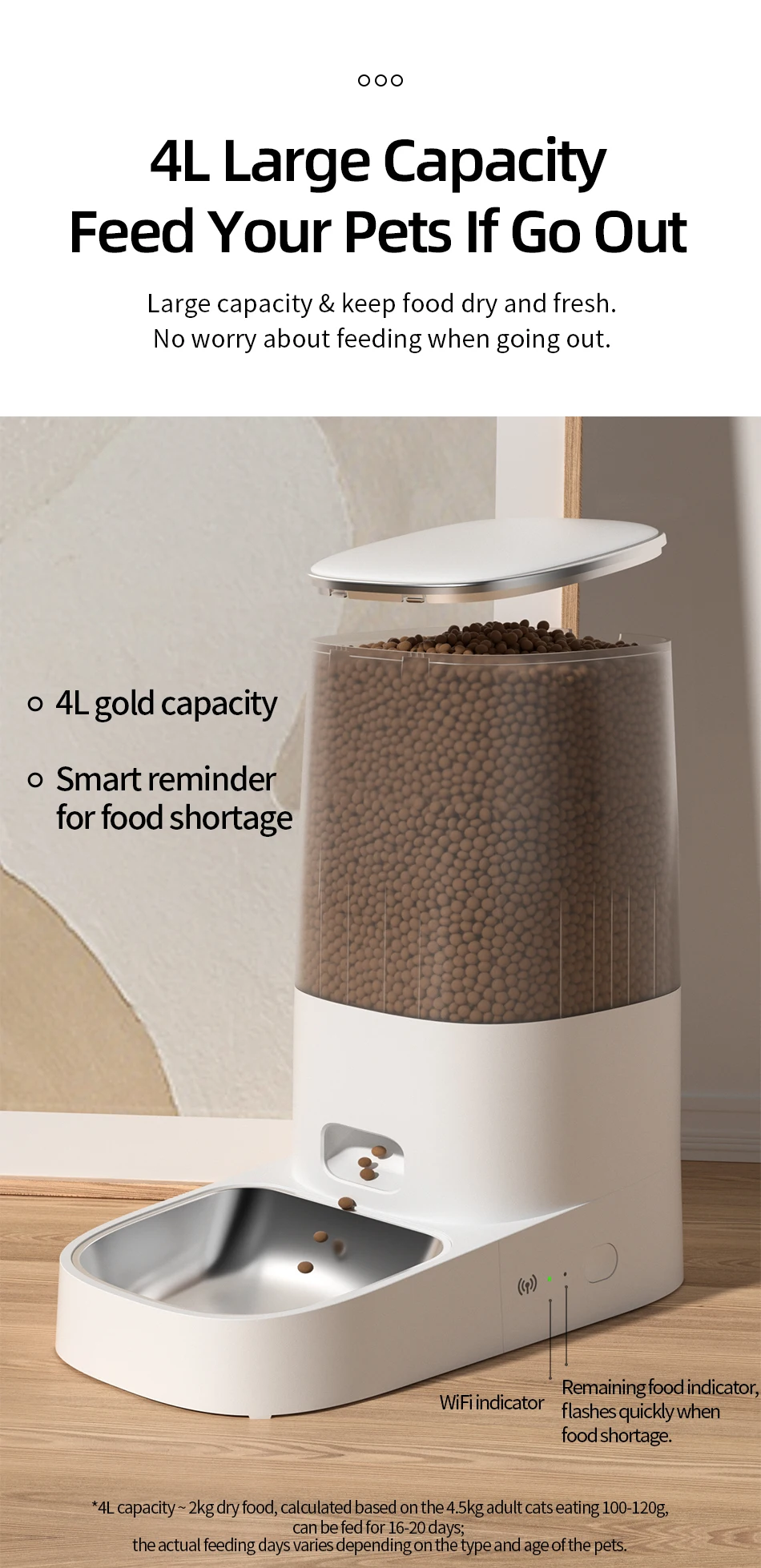
Can you imagine a home with pets and no one at home? Pets will hungry, or rummage through items. However, with our 4L automatic pat feeder, you don't need to worry about these things happening to your pets. It will take good care of your pet and develop a healthy diet and good eating habits for your pets.
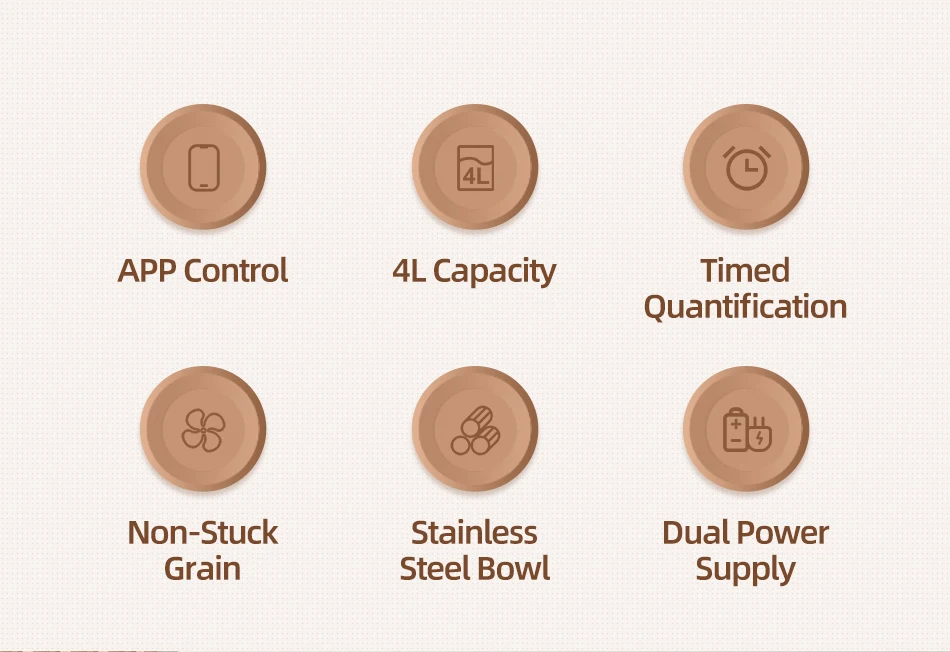
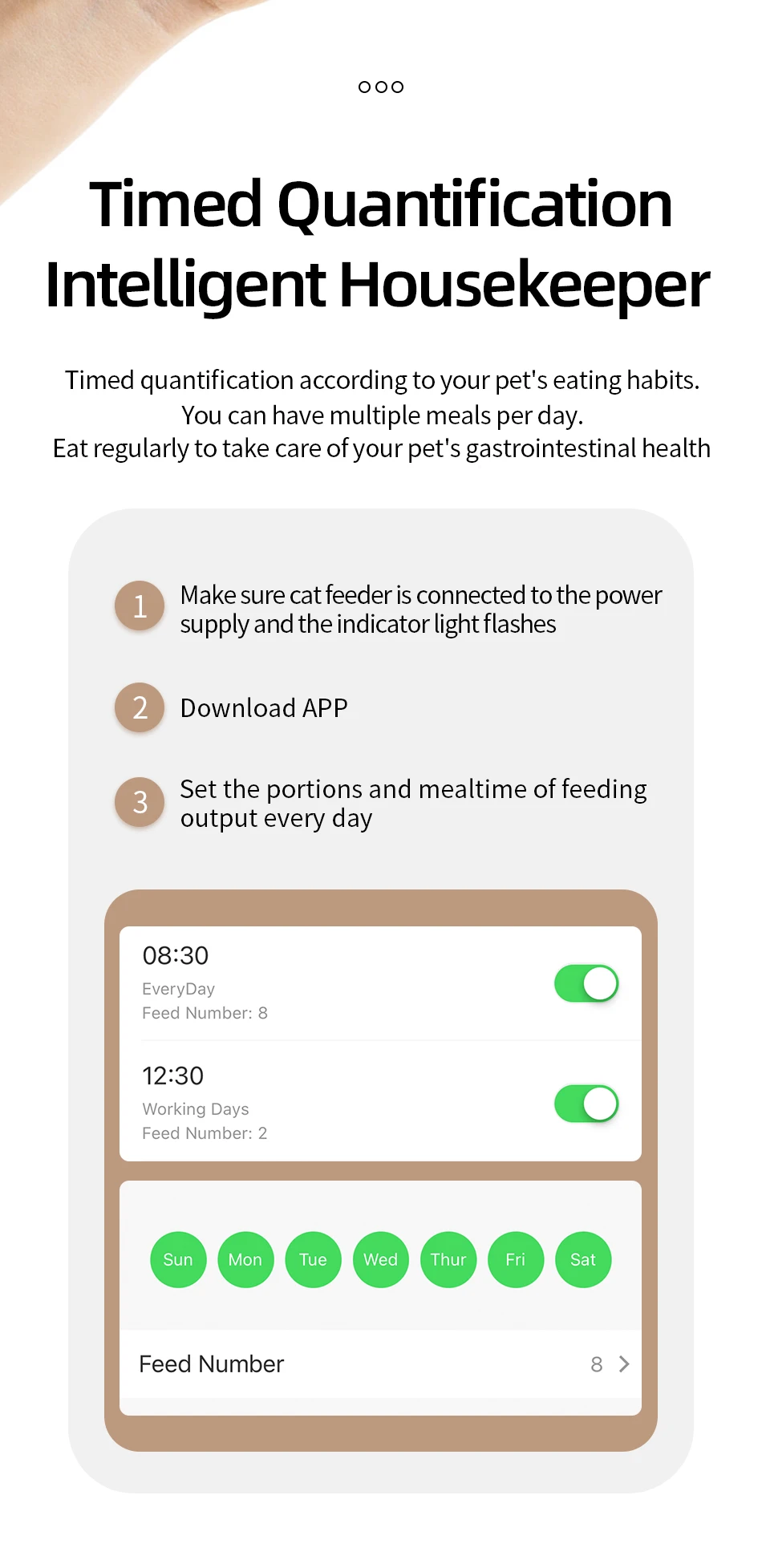
WiFi Version: can set 10 meals per day, up to 60 portions per meal, 6±2g per portion.
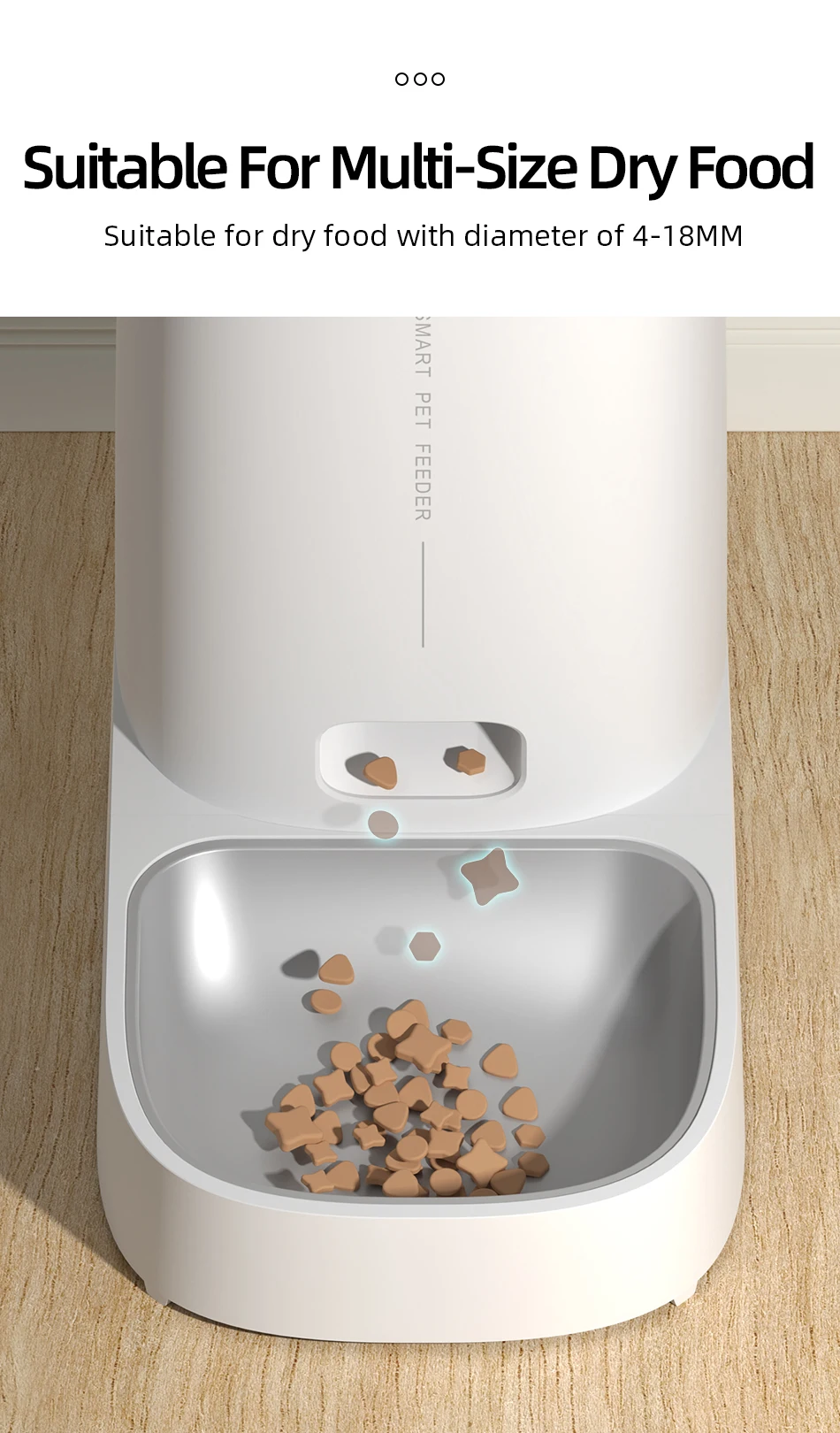
In order to prolong the life of the feeder and prevent the food from being stuck in the feeder, the food should preferably be dry food with a diameter of 4-12mm.
WiFI Version
App Easy to Use
Freshness in Every Bite
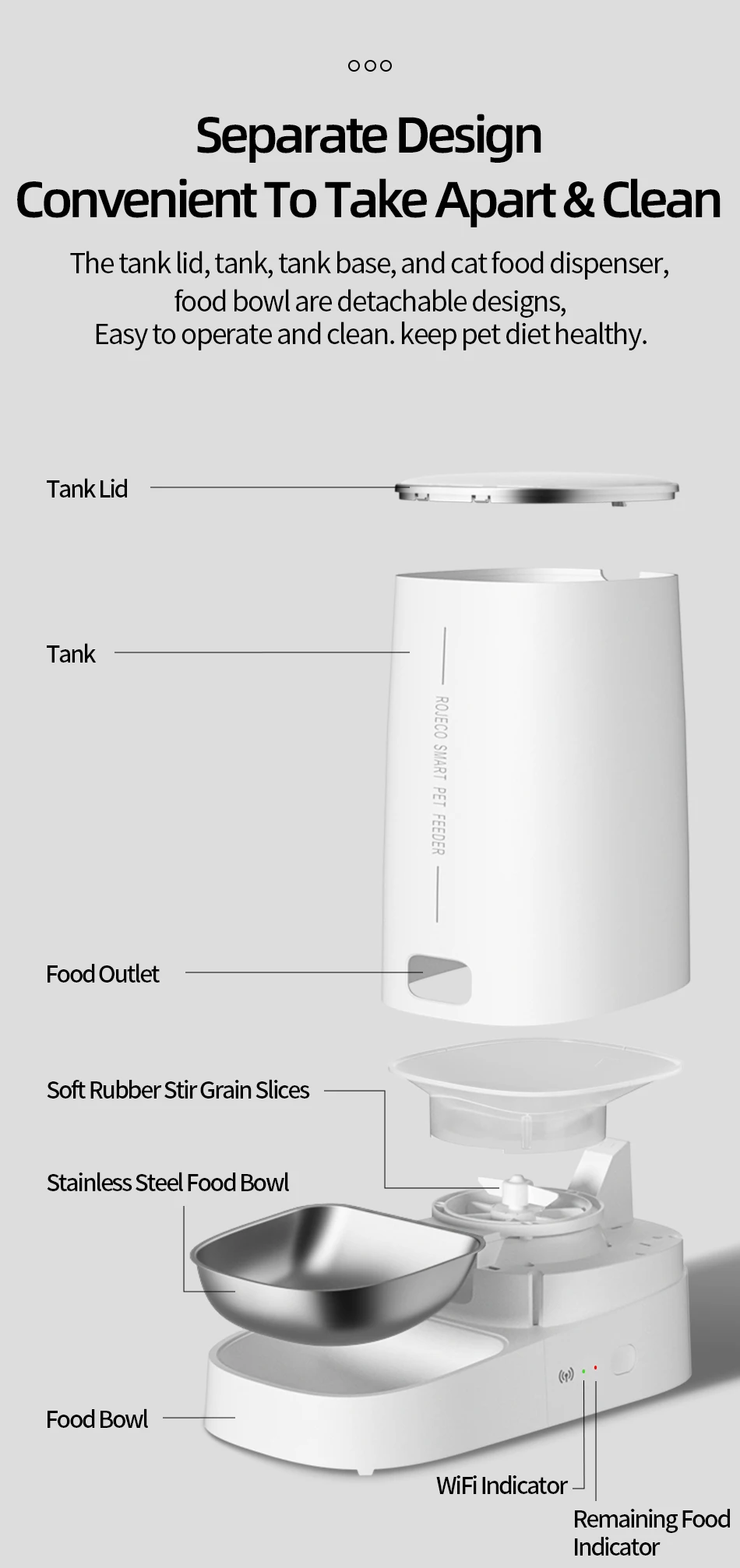
Detachable design for Clean
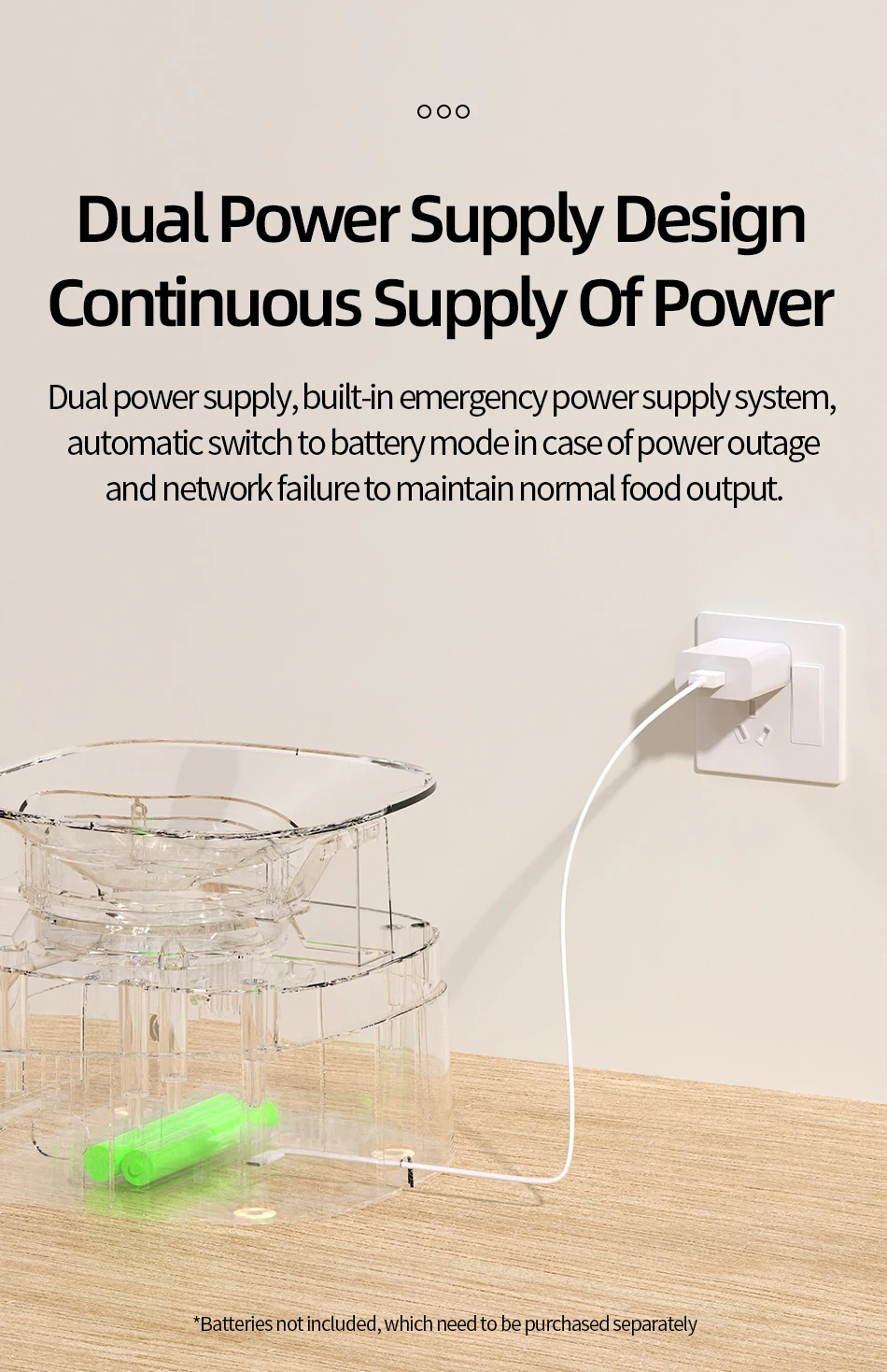
Dual Power Supply (Battery is Not included)
Model: PTM-001(wifi)
Color: White
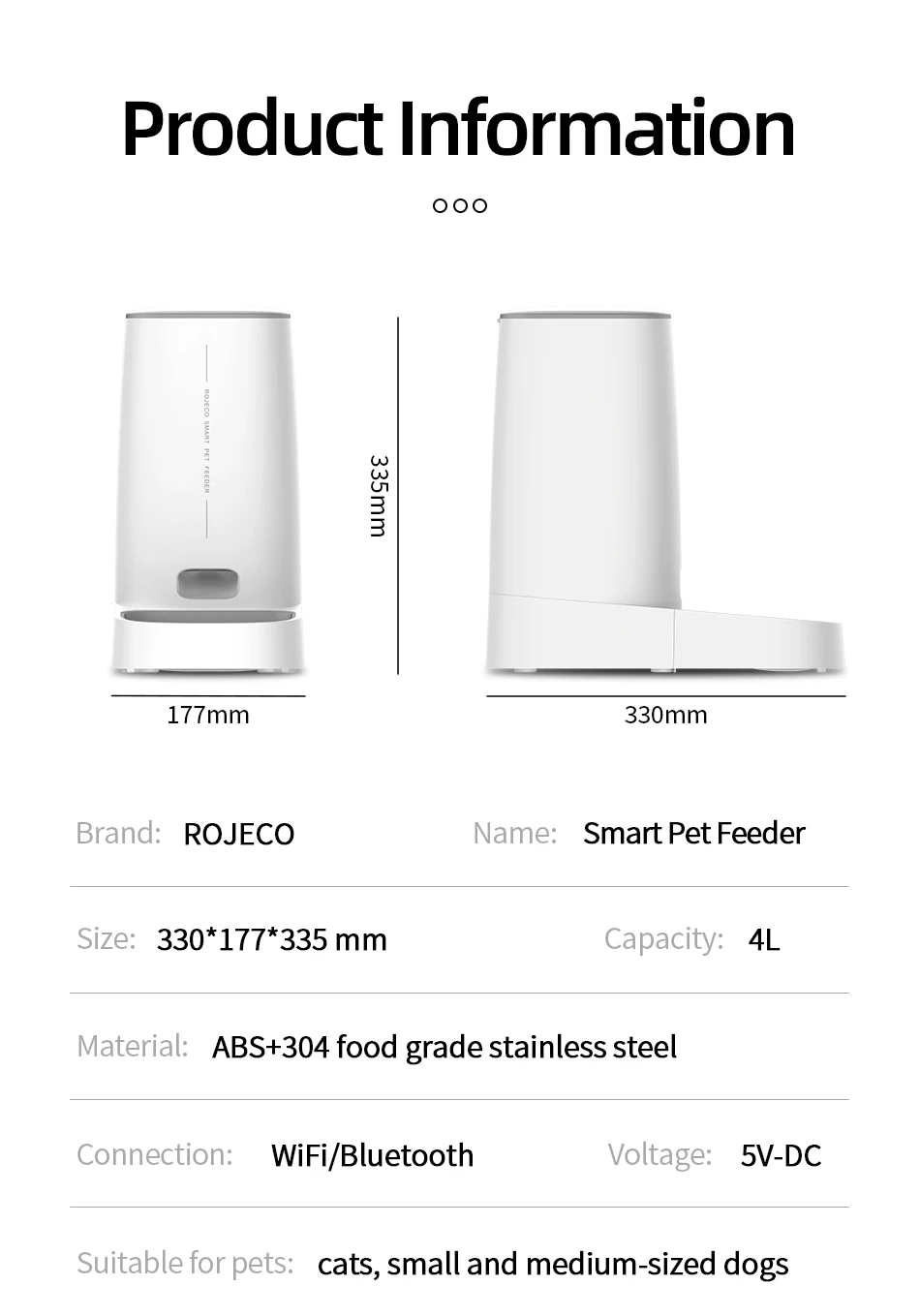
Size: 18.2*18.2*35 MM
Capacity: 4L
Material: ABS/SUS 304/PC
Input Parameters: 5VDC/1A
Connection Mode: WIFI Version
Battery Requirement: 4 * AA Batteries (Not Included)
1,It is not recommended for pets less than three months old.
2,It is recommended to use indoors, do not directly expose to sunlight and keep away from fire source
3,Please use the original power adapter to avoid the device damage or failure to work
4,It is strictly forbidden to soak in water
5,To prevent pets from falling over the feeder, it is recommended to place it in the corner or against the wall.
6,Children should use under the guidance of adults
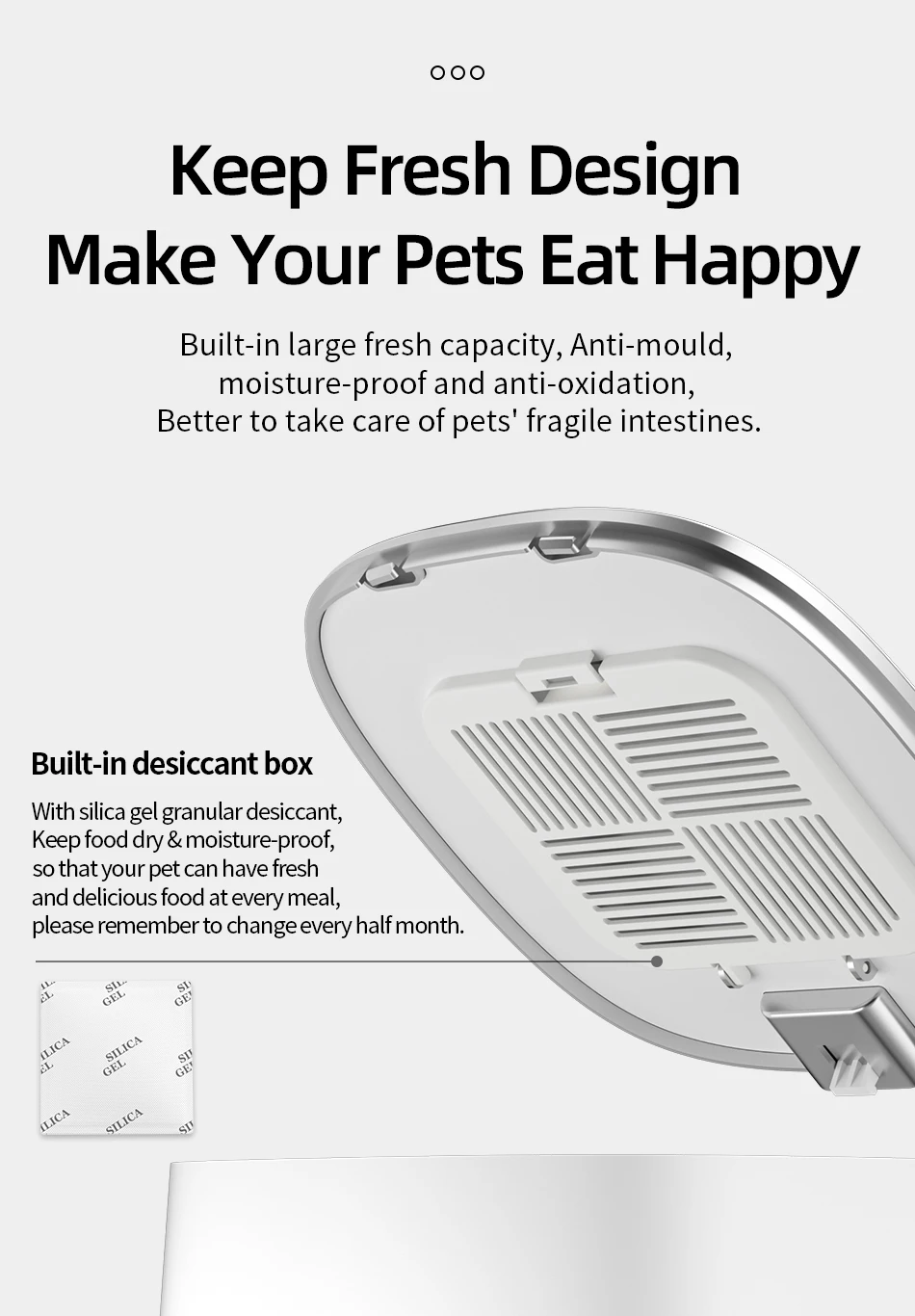
7,Do not soak the desiccant in water.if damaged,do not continue to use it.
8,If you move or stop using the product,please unplug the power cable and remove the bottom battery.
9,Except for the maintenance personnel,do not disassemble and repair the product to avoid accidental injury.
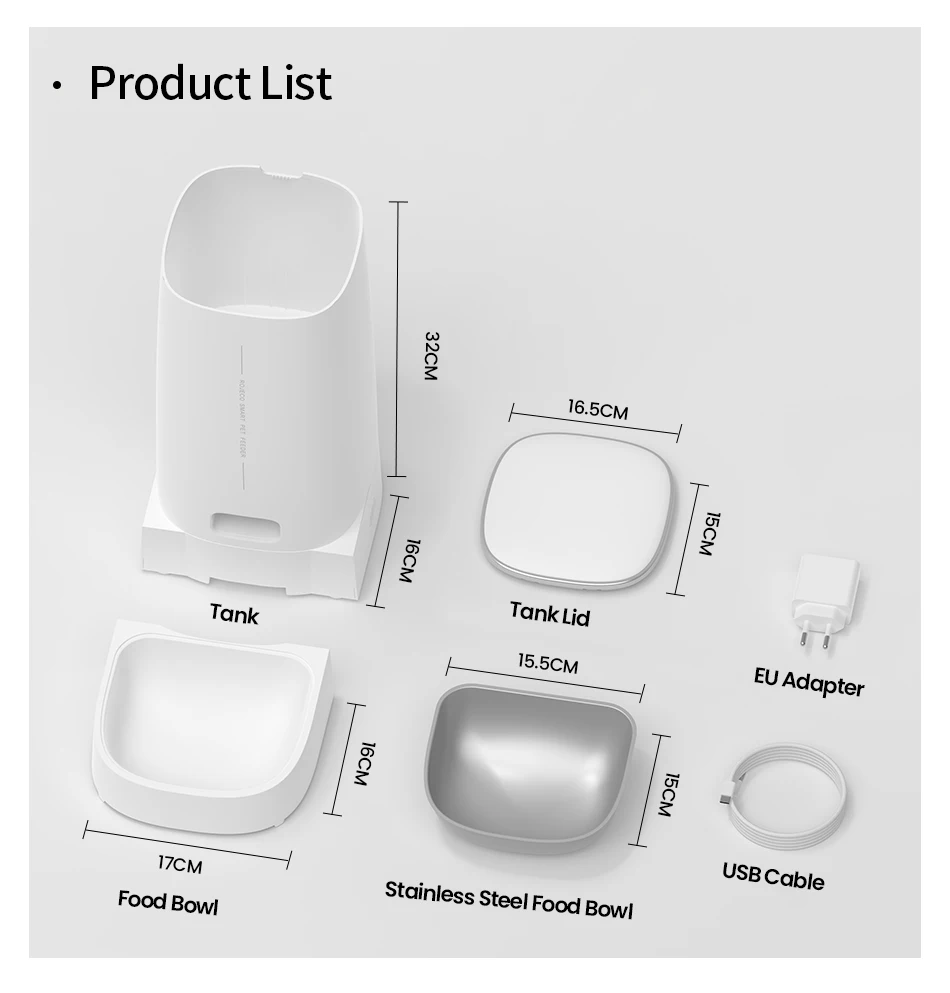
1.Add Food
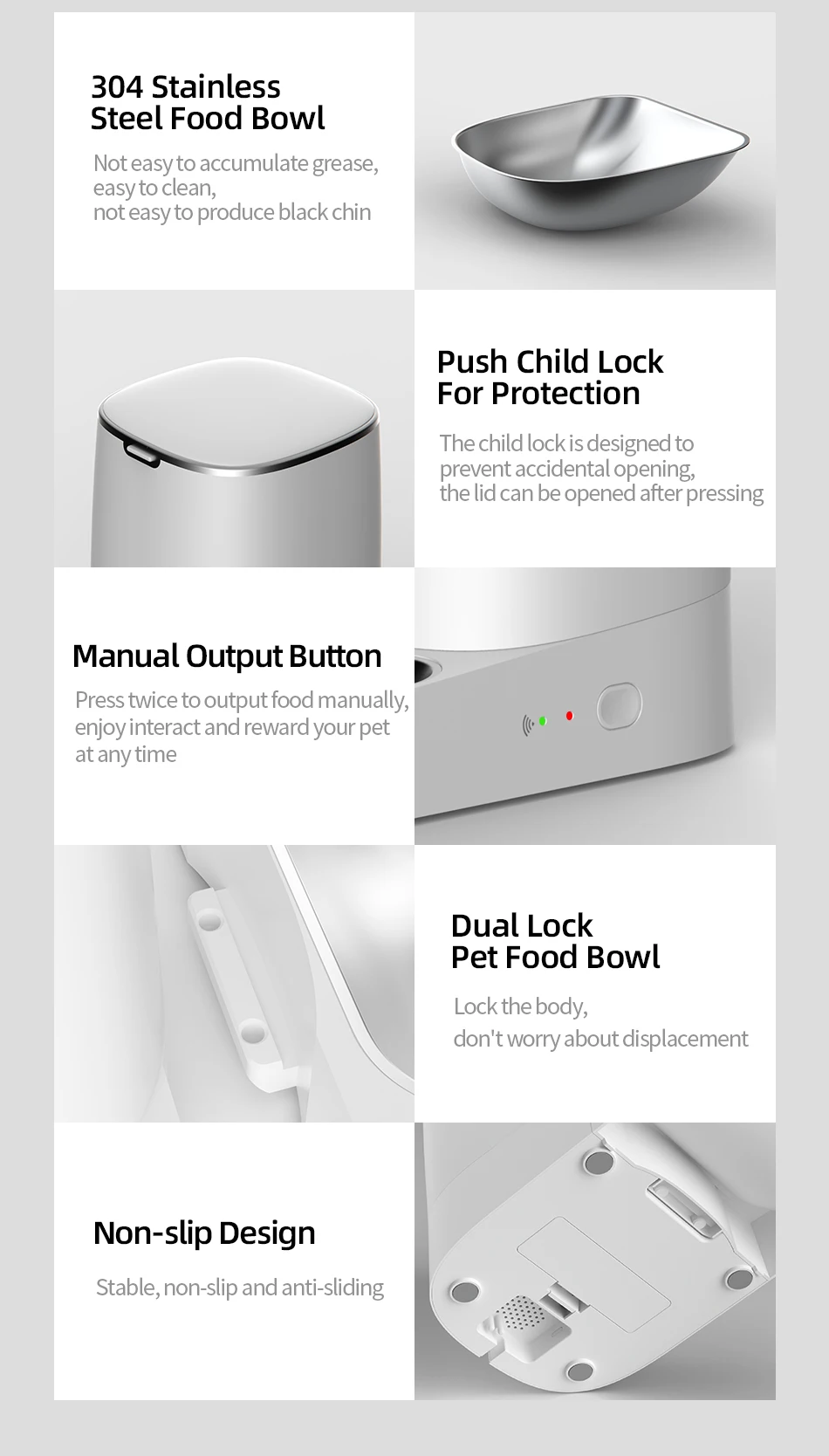
2.Press the lid button to open and add food
3.Add Desiccant
4.Take off the lid and open the desiccant box, place the desiccant then close it
5.Install the Food Bowl
6.Place the bowl on ground and main body stuck down, as the picture shows
7.Power-On: Connect charging cable to power supply and type-C charging port at the bottom of feeder
9.Add Pet dry food and put the lid(Suitable for 4-12mm (0.16-0.47in) diameter dry food)
1.Download the APP "ROJECO" from APP store or Android APP Market
2.Then " +Add Device" On the the home page, please connect the device with the reminder
3.Note: Please make sure the bluetooth is turn on when connecting to the network for the first time.
4.Scan the code to download the "ROJECO" APP
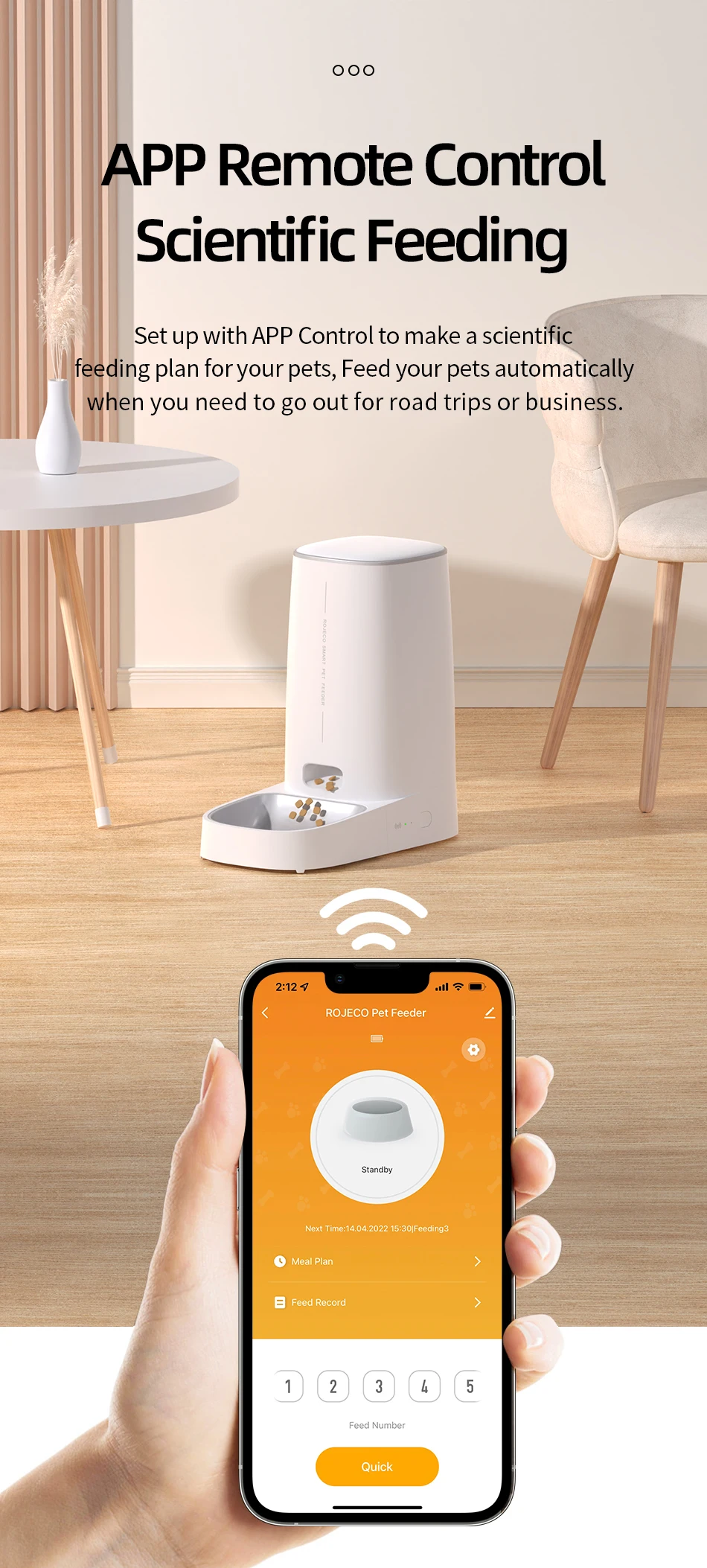
Set the feeding plan in the APP after connected, it could automatically fed as schedule, also can receive feeding records everytime.
Double click the manual feeding button then give one portion of the food(about 5g) each time.
(It also can be controlled by APP)
Hold the feeding button for 5 Seconds, the wifi/bluetooth indicator flash quickly then reset succeeds.
Green light slowly flashes: Waiting for connection
Green Light stays on: Connected
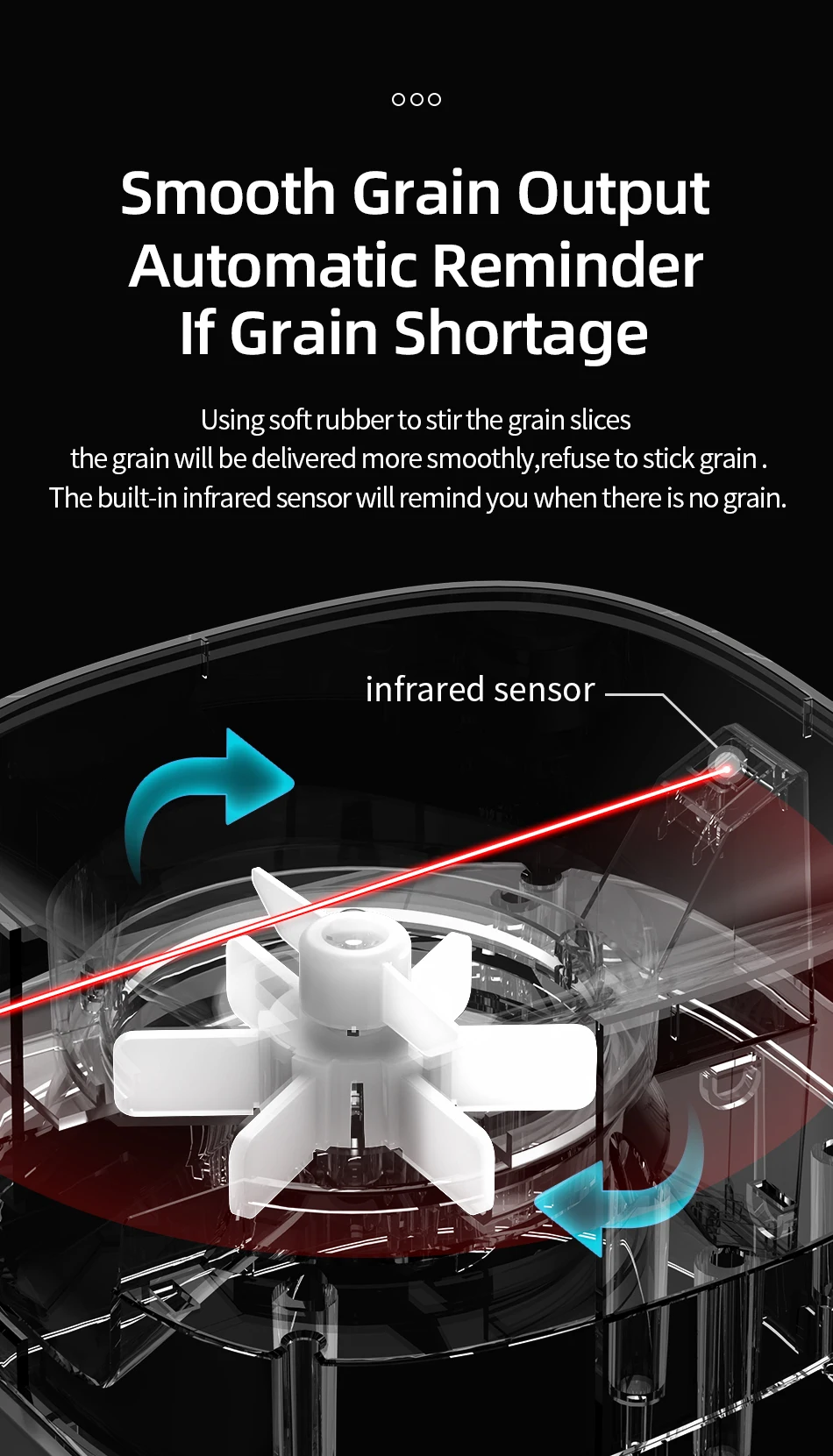
Red Light slowly flashes: Lack of food
Red light quickly flashes: Feeder is stuck
Red light off: Enough food
Question1: Why network connecting is not successful?
Answer: 1.Confirm whether it is tourist mode, please register for the APP account on first using.
3. Please make sure to use 2.4G WiFi network, this product does not support 5G WiFi.
4. Please make sure that the WiFi working on good condition, it is recommended that the distance is not more than 20 meters to avoid poor network connecting.
Answer: If there is no distribution network for a long time after booting, it is possible to search for the device when the network is distributed again, please press the feeding button for 6S, and then add the device to search for the device.
Answer: 1.Please check whether remaining food is sufficient.
2.Please make sure that pet food is dry food, this product only supports dry food used.
Answer: 1.Please check whether the plug is correctly connected to the power supply,
Shipping information
Shipping Policy
Order Processing
- Orders are typically processed within 3-5 business days.
- Processing times may vary during peak seasons or holidays.
Shipping Origins
- Most items are shipped directly from Mainland China.
Delivery Times
- Delivery times may vary based on your location and the shipping method selected.
- Estimated delivery is 2-6 weeks, but delays are possible due to customs, weather, or other unforeseen circumstances.
Tracking
- Tracking information will be provided when available.
Customs and Duties
- Customers are responsible for any customs duties or taxes.
Contact Us
For questions about shipping, contact us at support@eqtrend.com.
Returns & warranty
We have a 30-day return policy, which means you have 30 days after receiving your item to request a return.
To be eligible for a return, your item must be in the same condition that you received it, unworn or unused, with tags, and in its original packaging. You’ll also need the receipt or proof of purchase.
To start a return, you can contact us at eqshop@eqtrend.com. Please note that returns will need to be sent to the following address: 4755 Van Horne Avenue, Montreal, Quebec H9R 3C4
If your return is accepted, we’ll send you a return shipping label, as well as instructions on how and where to send your package. Items sent back to us without first requesting a return will not be accepted.
Return rules summary
- Returns accepted for 30 days
- Customer provides return shipping
- No restocking fee
- No final sale items
You can always contact us for any return question at eqshop@eqtrend.com.
For more information, please review our Return/Refund Policy.